# WhatsApp Business Greeting Messages That Get Customers Booked

> Canonical source: [https://citaflow.com/en/blog/whatsapp-business-greeting-message/](https://citaflow.com/en/blog/whatsapp-business-greeting-message/)

18 WhatsApp Business greeting message examples to copy: with a booking link, by type of business and in two languages. Plus how to turn it on in the app.
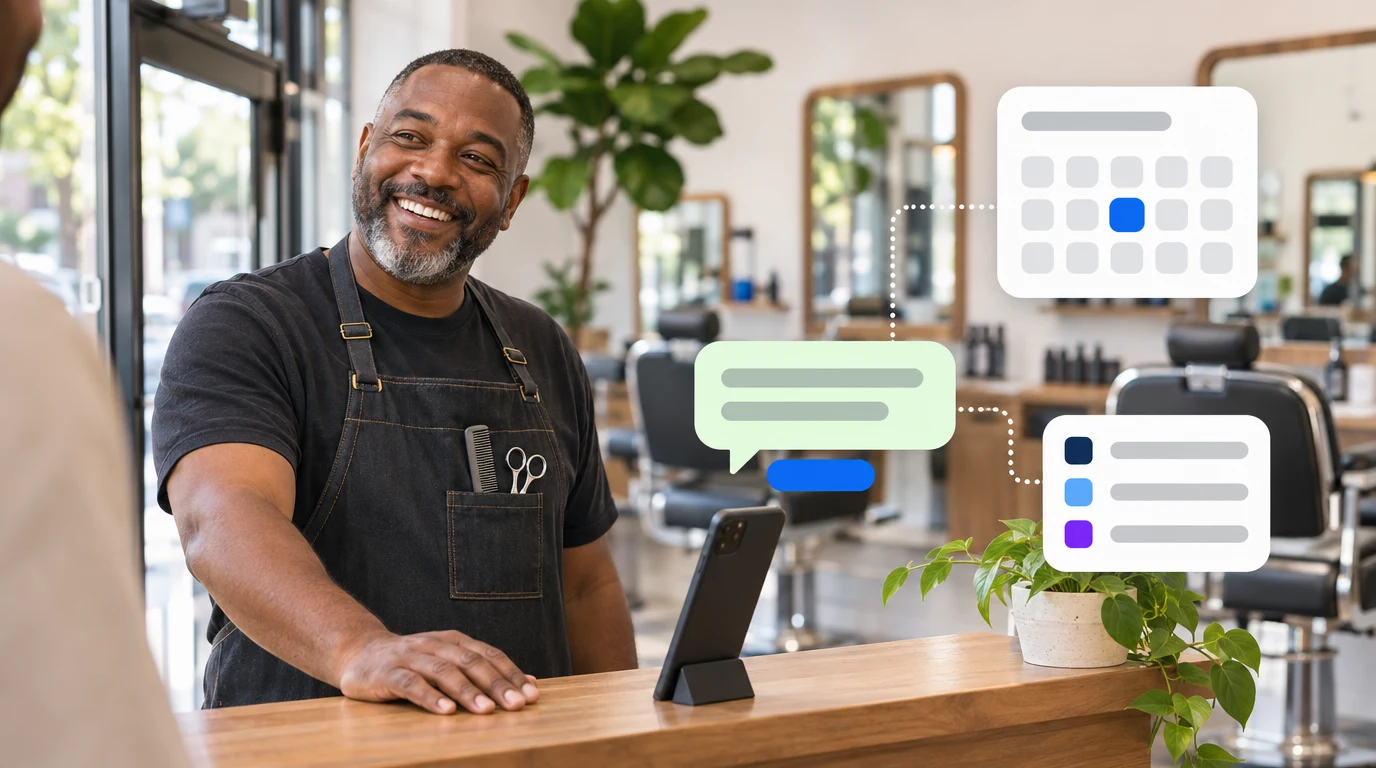
![Barbershop owner at the front desk, his phone showing an automatic greeting with a button to book](/images/blog/mensaje-de-bienvenida-whatsapp-business.webp)

A **WhatsApp Business greeting message** is a welcome message the app sends on its own when a customer messages you for the first time, or after 14 days of inactivity in their chat with you, according to the [WhatsApp Help Center](https://faq.whatsapp.com/501866148528310/?cms_platform=android&locale=en_US). If you work by appointment, make it say who you are and how to book.

This is the shortest one that works:

> Hi, this is [Business name]. See our open times and book here: [booking link].

Counting that one, this guide has **18 greetings to copy**: six based on how you take bookings and one for each of eleven types of business. At the end, how to turn it on in the app. Change what's in brackets and paste it.

## What to say in your greeting

Most templates out there say the same thing: "Thanks for your message, we'll get back to you soon." That confirms the message arrived. The customer still doesn't know whether they can book or what to send you.

A greeting that gets people booked has three things:

- **Who you are.** Your business name, so they know they reached the right place.
- **The next step.** Either the link to book, or the question you need answered to offer a time.
- **When you reply**, only if you can keep to it.
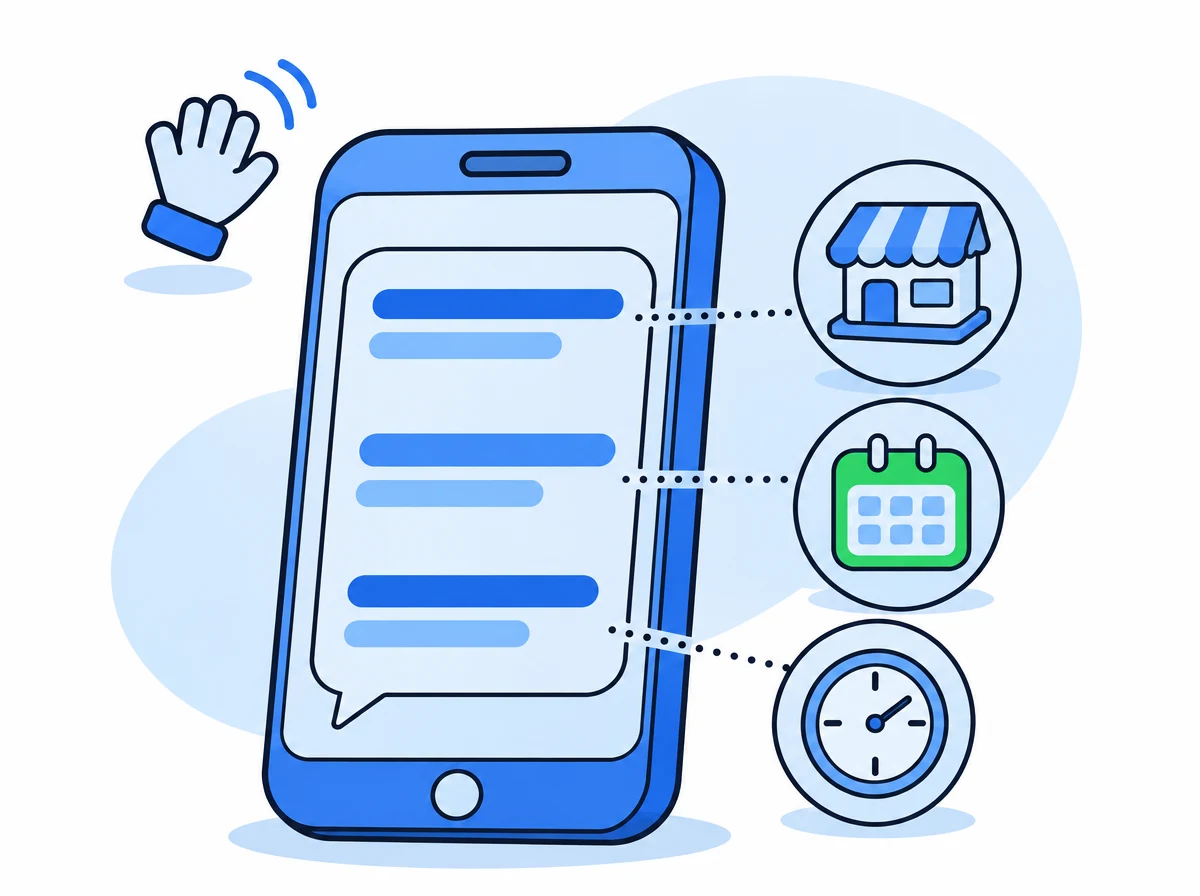
![Illustration of a greeting message with its three parts: who you are, the next step and when you reply](/images/blog/mensaje-de-bienvenida-whatsapp-business/tres-partes.webp)

What to leave out: your business story, the full service list, special offers and anything you can ask for later.

<div class="article-callout article-callout--tip"><p><strong>One question, one answer.</strong> If the customer can answer your greeting in a single message ("haircut, Thursday afternoon"), you already have what you need to offer a time.</p></div>

## Examples for how you take bookings

### If you have a booking link

This greeting leaves you the least work: the customer books on their own and you don't type a thing.

> Hi, you've reached [Business name] on WhatsApp. Pick your service and book the time that suits you here: [booking link].

Use the link that opens your calendar, not your homepage. No link yet? With CitaFlow® you get an [online booking page](/en/online-booking/) with your own link and no commission per booking.

### If you book people in over chat

Ask for what you need to find the slot. Asking for morning or afternoon gives you room to offer alternatives.

> Hi, this is [Business name]. To find you a time, tell us which service you'd like, which day works for you, and whether you prefer morning or afternoon.

With this greeting the conversation still depends on you: the customer replies and someone has to check the calendar and answer.

### If you want to say when you'll reply

Only give a reply time you can keep on your busiest days too.

> Hi, this is [Business name]. We answer WhatsApp [hours] and reply within [reply time]. In the meantime, tell us which service you're interested in and which day you'd prefer.

### If a returning customer writes

The greeting also goes to people who message you again after 14 days. Make the text work for a first booking and for moving one that already exists.

> Hi, you've reached [Business name]. To book, tell us the service and the day you'd like. To change a booking, send us the day and time you already have.

### If your customers write in two languages

Same action in both languages, and the link only once, at the end.

> Hi, this is [Business name]. Choose a service and book below.<br>Hola, somos [Business name]. Elige un servicio y reserva abajo.<br>[booking link]

### If you also use an away message

The greeting explains how to book. The away message says when you're back. Write each one so it makes sense without the other.

> Hi, this is [Business name]. If you'd like an appointment, pick your time here: [booking link]. For anything else, send us a message and we'll reply as soon as we open.

The Help Center explains when each message is sent, but it doesn't say whether a new customer who writes after hours gets both, or in what order. Test it: turn both on and message yourself after hours from a number that hasn't written to you before. For the away text, there are 12 examples in the [WhatsApp Business message generator](/en/tools/whatsapp-business-messages/), which also drafts a greeting for your business.

## Examples by type of business

What changes from one business to the next is the detail you need to offer a time. At a nail salon, whether there's product to remove. At a repair shop, the car model. At a restaurant, the party size.

<div class="article-table-wrap">

| Business | What to ask or mention in the greeting |
|---|---|
| Hair salon | Service and day. For a color change, what they have in mind |
| Barbershop | Haircut, beard or both, and morning or afternoon |
| Beauty salon | A specific service or a first consultation, and day |
| Nail salon | Service and whether there's polish or product to remove |
| Tattoo studio | The idea, rough size and placement |
| Massage studio | Type of massage, length and day |
| Spa | Which experience, how many people and the date |
| Gym | A visit or a trial class, and morning or afternoon |
| Auto repair shop | Car model, maintenance or a fault, and day |
| Law firm | The matter in one sentence and when they can talk |
| Restaurant | Date, time and party size |

</div>

**Hair salon**

> Hi, this is [Business name]. Are you coming in for a cut, a blow-dry or color? Tell us which day you'd prefer. If you want a color change, tell us what you have in mind and we'll let you know how much time to book.

**Barbershop**

> Hi, you've reached [Business name]. Haircut, beard trim or both? Send us the day and whether morning or afternoon suits you better.

**Beauty salon**

> Hi, this is [Business name]. Tell us which service you'd like and which day you could come in. Not sure which one to choose? Reply "consultation" and your preferred day.

**Nail salon**

> Hi, this is [Business name]. To book you in, tell us if you'd like a manicure, a fill or a new set, which day you prefer, and whether you have product that needs removing.

**Tattoo studio**

> Hi, you've reached [Business name]. Tell us your idea, the rough size and where it would go. With that we can tell you when to come in and talk through the design.

**Massage studio**

> Hi, this is [Business name]. To find you a time, tell us which type of massage you'd like, how long and which day works for you.

**Spa**

> Hi, this is [Business name]. To plan your visit, tell us which experience you'd like, how many of you are coming and the date you prefer.

**Gym**

> Hi, you've reached [Business name]. Would you like to come and look around or try a class? Tell us the day and whether you prefer morning or afternoon.

**Auto repair shop**

> Hi, this is [Business name]. Tell us the car model, whether it's maintenance or a fault, and which day you could bring it in.

**Law firm**

> Hi, you've reached [Business name]. For a first appointment, tell us in one sentence what it's about and when you could talk. Documents can wait until later.

**Restaurant**

> Hi, you've reached [Business name]. To check for a table, send us the date, the approximate time and how many of you are coming.

<div class="article-inline-cta"><p><strong>The greeting says hello. Someone still has to answer after it.</strong> The CitaFlow assistant greets, answers what people ask and books into your calendar while you work.</p><p class="article-inline-cta-action"><a class="article-inline-cta-btn" href="/en/#signup" data-open-signup-modal>Try it free for 7 days</a><span class="article-inline-cta-note">Free, no card needed</span></p><p class="article-inline-cta-demo"><a href="/en/ai-chatbot-demo/">Create your free account</a> and test the AI chatbot before you commit</p></div>

## How to turn it on in the app

You set it up in the WhatsApp Business app:

1. From the **Tools** tab, tap **Greeting message**.
2. Turn on **Send greeting message**.
3. Tap the message, paste your text and confirm.
4. Choose your recipients and save.

Your phone needs an internet connection for the greeting to go out. Recipients, the 14-day rule and what to check when the greeting doesn't fire are covered in the guide to [WhatsApp Business automated messages](/en/blog/whatsapp-business-automated-messages/).

<div class="article-callout article-callout--tip"><p><strong>Test it the way your customer sees it.</strong> Message yourself from a number that hasn't written to you in the last 14 days and open the link on that phone. If it doesn't reach your calendar in one tap, change it.</p></div>

## Common mistakes

- **Sending people to your homepage.** They wanted to book and end up hunting for the button. Use the direct link to your calendar.
- **Asking for too much.** Ask for what changes the slot or the service. Documents, photos and payment details can wait.
- **Promising a reply time you can't keep.** "We reply within ten minutes" on a packed Saturday is a broken promise.
- **Treating a request as a booking.** A customer telling you which day they'd like isn't a booking yet. Once it is, send their [appointment confirmation text](/en/blog/appointment-confirmation-text/).
- **Forgetting the text exists.** When your hours, services or link change, review the greeting and the away message together.

## How to stop answering by hand

A greeting message sends the same text to everyone. If the customer replies "do you have anything on Friday?", someone has to read it, check the calendar and answer. Between two clients, that answer arrives late.

![Illustration of an assistant that greets with a menu of options and adds the appointment to the calendar](/images/blog/mensaje-de-bienvenida-whatsapp-business/asistente-contesta.webp)

The [CitaFlow AI assistant](/en/chat-ai/) does what comes after the hello:

- **It greets with your text.** It has its own welcome message, which you write, and it can go with an image in front.
- **It offers a menu.** On WhatsApp and Telegram, the greeting arrives with the options you turn on: book, change or cancel an appointment, common questions, or talk to a person.
- **It adds the link for you.** Once your booking page is published, the link goes inside that same WhatsApp greeting.
- **It shows your services.** With WhatsApp lists and buttons, and the customer can also type the name of the service.
- **It offers the time.** It checks your open slots and books, changes or cancels the appointment directly in your calendar.
- **It replies in the customer's language.** English or Spanish, depending on how they write.

It answers WhatsApp, Instagram, Messenger, Telegram and your website chat at any hour. And you keep your phone: you can go on using the WhatsApp Business app with the same number, and when someone on your team replies by hand, the assistant can stay quiet in that conversation. If you connect it to your number, keep a single greeting: turn off the app's greeting message, because the assistant brings its own.

### How you get started

It isn't another program to learn. Instead of studying screens, you answer a few questions:

1. **Create your trial account.** It's free for 7 days and doesn't ask for a card.

   ![Illustration of a sign-up card with a button and a crossed-out bank card: the trial account asks for no card](/images/blog/comun/paso-crear-cuenta.webp)

2. **Answer a few questions about your business**, or paste your website or your Google Business Profile, and the account is set up around your services and your hours.
3. **Try your assistant as if you were a customer.** You message it from your account, before connecting any channel: ask for a price or a time and see how it answers.

   ![Illustration of a business owner messaging their assistant as if they were a customer and getting an appointment](/images/blog/comun/paso-probar-asistente.webp)

4. **Turn on the channels your customers use**, starting with WhatsApp, and the assistant starts greeting, answering and booking. During the trial, appointment notices (confirmations and reminders) go out by email; by WhatsApp and SMS they go out once you subscribe to a plan.

<div class="article-inline-cta"><p><strong>Write your greeting and see what happens when people reply.</strong> Create the account, answer a few questions and try the assistant with your own services and calendar.</p><p class="article-inline-cta-action"><a class="article-inline-cta-btn" href="/en/#signup" data-open-signup-modal>Try it free for 7 days</a><span class="article-inline-cta-note">Free, no card needed</span></p><p class="article-inline-cta-demo"><a href="/en/ai-chatbot-demo/">Create your free account</a> and test the AI chatbot before you commit</p></div>

## Frequently asked questions

### How do I introduce my business on WhatsApp?

Start with your business name and give people one useful action. If they came to book, share the link to your calendar or ask which service they'd like and on which day. Two or three sentences are enough: it's read on a phone screen.

### How do I write an automated message on WhatsApp Business?

In the WhatsApp Business app, open Tools. A greeting message welcomes new and returning customers. An away message tells people when you'll be back. Quick replies aren't automatic: they're saved texts you send yourself from the chat. Regular WhatsApp doesn't have these features.

### When is the greeting message sent, and who gets it?

When a customer messages you for the first time or after 14 days of inactivity in that chat. You choose the recipients: everyone, everyone not in your address book, everyone except the people you select, or only the people you select.

### Is the WhatsApp Business app free?

The app is free to download. According to the [WhatsApp Help Center](https://faq.whatsapp.com/641572844337957/?locale=en_US), WhatsApp Business is a free-to-download app. Greeting messages, away messages and quick replies are features of that app.

### Can I add a link or emojis to my greeting message?

The Help Center explains how to edit the text, but it doesn't give a character limit or say which formats it accepts. Paste your link, message yourself from another number and check that it opens in one tap.

### How do I welcome someone in a WhatsApp group?

That's a different thing: post a short welcome in the group, say what the group is for and tell the new member where to start. The greeting message in this guide is the one a customer gets when they message your business directly.

### Can I try the CitaFlow assistant on my WhatsApp before paying?

Yes. The trial lasts 7 days, doesn't ask for a card, and during it you can connect the assistant to your WhatsApp, to Telegram or to your website chat. Appointment notices by WhatsApp and SMS start once you subscribe to a plan; during the trial they go out by email.
