
How to Choose Hair Salon Booking Software in 2026
A practical guide to choosing booking software for hair salons in 2026: which features matter, what it costs, and how to avoid commissions and no-shows.
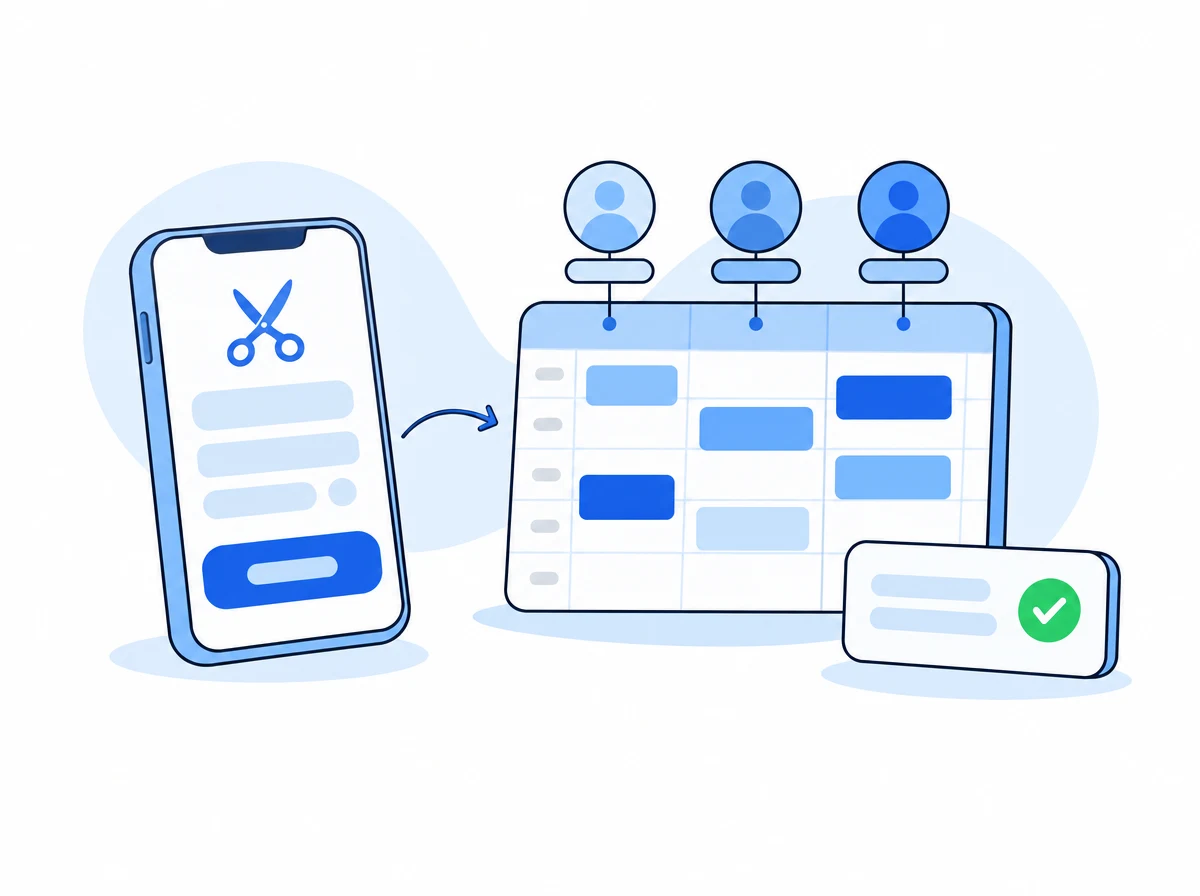
In a hair salon, the problem is rarely a lack of clients: it is a lack of control over the calendar. Calls you cannot answer while your hands are busy, empty time slots, appointments lost in WhatsApp threads, and clients who simply do not show up. A great hair salon booking software converts this chaos into a calendar that fills itself.
This guide explains which features truly matter, what it costs, and how to choose without overpaying or getting trapped in commissions.
What is hair salon booking software?
It is a tool that allows your clients to book online 24/7 from your website, social media, or a simple link, while you manage the calendar, stylist shifts, and automated reminders from a single dashboard. The best ones also include an AI receptionist that answers calls and messages and books appointments automatically, even while you are working.
Which features truly matter?
Not every feature pays for itself. These are the ones that actually change the outcome for a hair salon:
| Feature | Why it matters |
|---|---|
| 24/7 online booking | Capture appointments outside business hours, which is where lost revenue hides |
| Stylist shift management | Assign the available professional based on the service, with no overlaps |
| WhatsApp/SMS reminders | The single most effective way to reduce client no-shows |
| AI Receptionist | Answers calls and messages when you cannot pick up the phone |
| Google Calendar synchronization | Prevents double-bookings across staff and tools |
| No commissions per appointment | Every booking is yours, you do not pay a percentage per client |
How much does salon booking software cost?
Most solutions for small businesses cost between €20 and €100 per month, depending on features and volume. You should watch out for three things:
- Booking commissions. Some marketplaces charge a percentage for every appointment. A no-commission subscription is far more profitable once you have steady volume.
- Message costs. Confirm whether WhatsApp or SMS reminders are included or billed separately.
- Commitment and setup. The best tools can be set up the same day and do not require long-term contracts.
Marketplace vs. proprietary software?
This is the key decision. A marketplace gives you visibility, but charges commissions per appointment, and the client ultimately belongs to their platform. Proprietary software turns your own website and number into the booking channel: the client is yours, you pay a flat monthly fee, and you build your own brand. For a salon that already has a customer base, proprietary software is much more profitable in the medium term.
5-step checklist to decide
- Does it allow online booking without your intervention? If it is just an internal calendar, it won’t capture new bookings.
- Does it manage stylist shifts and services of different durations? Essential to avoid awkward scheduling gaps.
- Does it include automated reminders? Measure how much your no-shows drop in the first few weeks.
- Does it charge a commission per booking? Prioritize flat subscription fees without commissions.
- Does it also handle phone calls and WhatsApp? An AI receptionist recovers the calls that are currently missed.
Where CitaFlow fits
CitaFlow is an appointment-management platform with a built-in AI receptionist that answers web chat, phone calls, WhatsApp, and Telegram, booking directly into a shared calendar and sending automated reminders to reduce no-shows. It charges no commission per booking, and includes a professional booking page, client CRM, and stylist shift management.
Plans start at €29/month for the booking platform and reminders; the AI voice receptionist starts at €58/month with an included minute bundle, so your costs stay predictable. You can get started the same day by connecting your calendar and entering your hours.
In summary: the right software pays for itself the first time it fills a gap on a Tuesday afternoon or recovers a call that would have been lost. Start with the checklist, run a two-week trial, and measure how many new appointments it generates.
Want to see it in action? Try the CitaFlow demo or start a free trial.