
How to stop depending on your booking platform
Alternatives to Booksy and other marketplaces: what happens to your reviews if you leave, and how to build your own asset on Google, step by step.
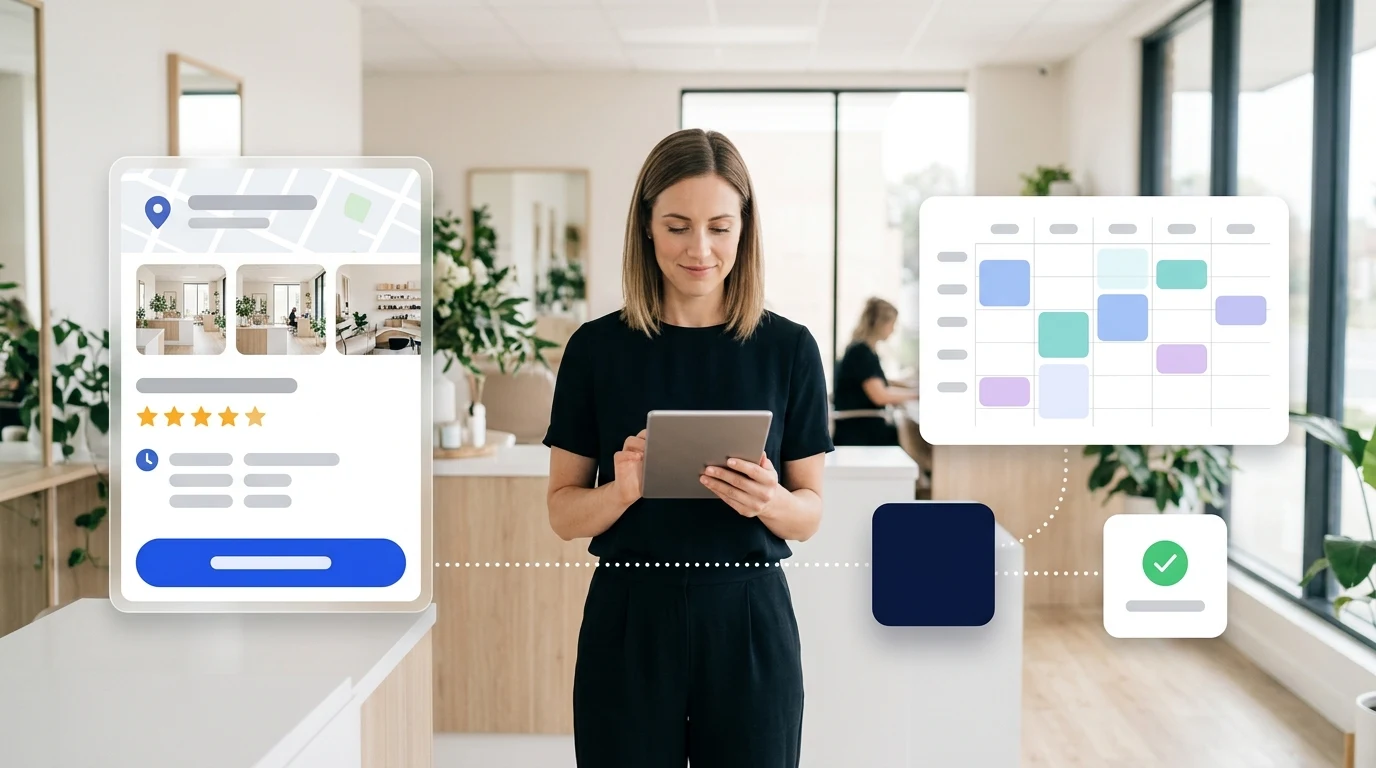
Ask any appointment-based professional why they are still on a booking marketplace that charges commissions, and they will rarely talk about the software features. They will talk about a very understandable feeling: the fear of taking the leap and losing clients or reviews.
It is completely natural. When you open a hair salon, beauty studio, barbershop, nail bar, tattoo studio or massage practice, being on a well-known app seems like the fastest way to get started and fill the first slots on your calendar. But over time, most businesses discover the other side of the coin: bills that rise without warning, commissions charged on repeat clients who already knew you, and above all, the feeling of being locked in because all your hard-earned reputation is held by a third party.
If you are reading this, you probably already sense the issue. This article is not about telling you to cancel anything today, but about giving you clarity, transparent figures and a risk-free roadmap: understanding how marketplace invoices actually work, what really happens to your reviews if you leave, and how to make a calm transition toward a setup where your clients and reputation are 100% yours.
What you actually pay to be on a booking marketplace
We will not list each platform's exact current rate here because pricing changes frequently and outdated numbers help no one. What is essential to understand, because it remains constant, is the standard fee structure of these marketplaces (such as Booksy, Treatwell or Fresha):
- A fixed monthly fee, usually per business or per professional/team member on the calendar.
- A commission on new clients, typically between 25% and 30% of that first appointment's total if booked via their app or directory.
- Payment processing fees, if you use their platform to take card payments or upfront deposits.
- A layer of billable add-ons: marketing tools, priority placement within the app or messaging packages.
At first glance, paying only for "new clients" sounds reasonable. The issue appears in the fine print and daily operation:
First: commissions often get charged on clients who already knew you. Many people search directly for your business name on Google or walk past your premises. But because the marketplace has strong search rankings, the client clicks their link to book. The marketplace registers this as a client they acquired for you and takes their cut, even though that client was already looking for you.
Second: the more you work, the more you pay. As your team expands or you have a busy month, first-visit commissions and add-ons pile up quickly. With a 30% first-visit commission, fifteen new clients in a month amount to giving away the full value of four and a half first visits, on top of your base subscription. Once the business grows, commissions quickly outweigh the software fee itself.
Third: unclear pricing. On several platforms in the market, finding a public, straightforward pricing table without booking a sales call or submitting your details is surprisingly difficult. If finding out what you will pay requires a sales pitch, that tells you something important about the relationship ahead.
Before moving forward, a practical tip: do not rely on memory or rough estimates. Open your latest invoice and add up the base fee, acquisition commissions and payment fees. That total number is what being on the platform really costs you every month.
Your reviews are not yours: the real lock-in
The financial cost is frustrating, but what truly paralyses businesses when considering a change is the fear of losing their online reputation.
When a happy client leaves you five stars inside a booking marketplace, that review is published on the profile the platform holds about you, not on your own site. If you cancel your account tomorrow, that profile leaves your control and the ratings vanish with it. There is no export reviews button and no way to transfer them: marketplace review systems are tied to their own app by design. Two, three or five years of great work stay locked in an account you do not own.
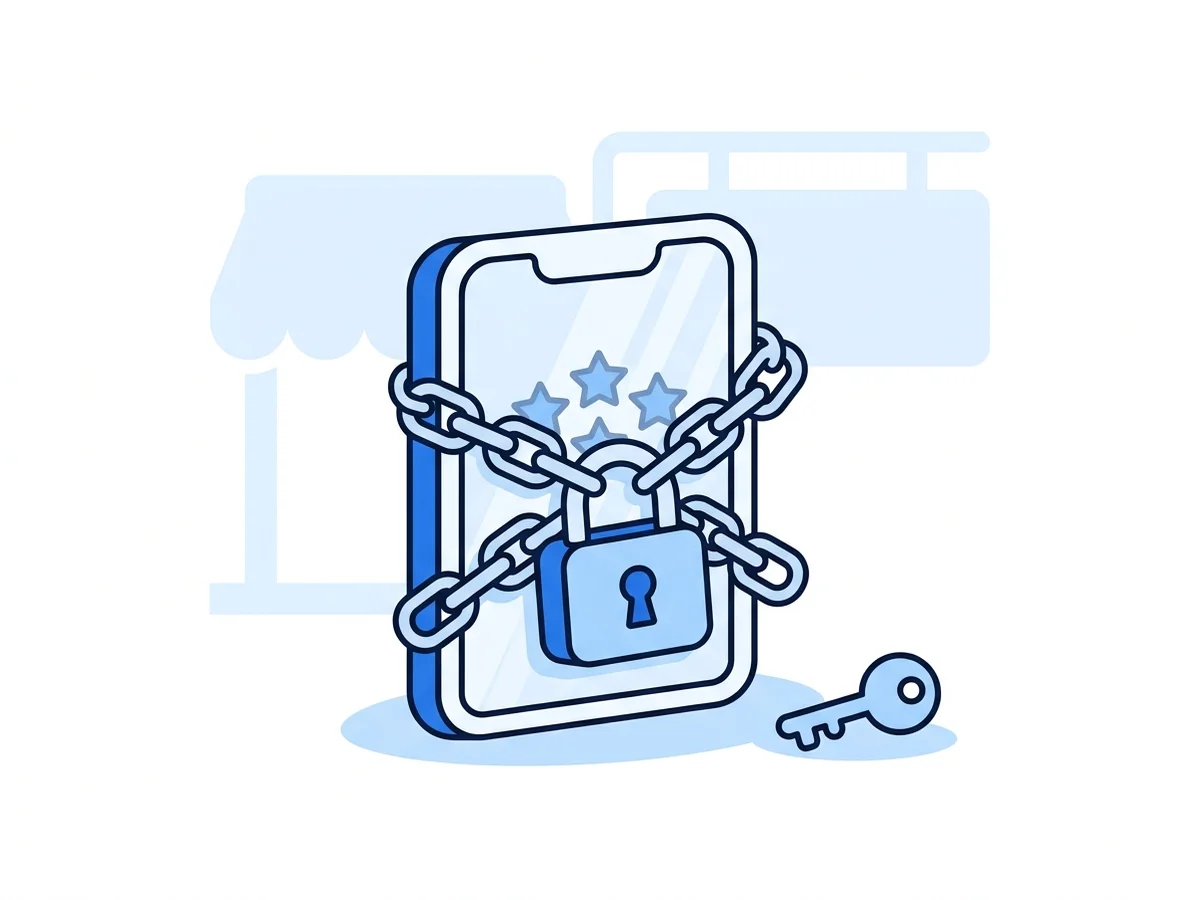
It is worth saying with complete honesty, because misleading claims circulate: nobody can automatically migrate your reviews from a marketplace to Google. If someone promises you that, be suspicious.
Now look at your Google Business Profile. The reviews you collect there live on your own listing, the one for your actual local business that you manage and control. You can reply to them. They survive any switch in software, website or booking provider, because they do not depend on any single tool. And any modern booking software can display them live on your booking page, because they are public.
That is the entire difference between building equity and paying rent. In one case, you build lasting value for your business. In the other, you decorate someone else's shop window and pay for the privilege.
Your Google listing: where local clients actually find you
The vast majority of people searching for a service in your town or neighbourhood do not open a specialized marketplace app: they open Google Maps or search on their phone for "hair salon near me", "barber shop in [my area]", "beauty clinic" or "nail salon". What decides whether they walk through your door is what they see on that listing: photos, ratings, opening hours and whether they can book instantly.
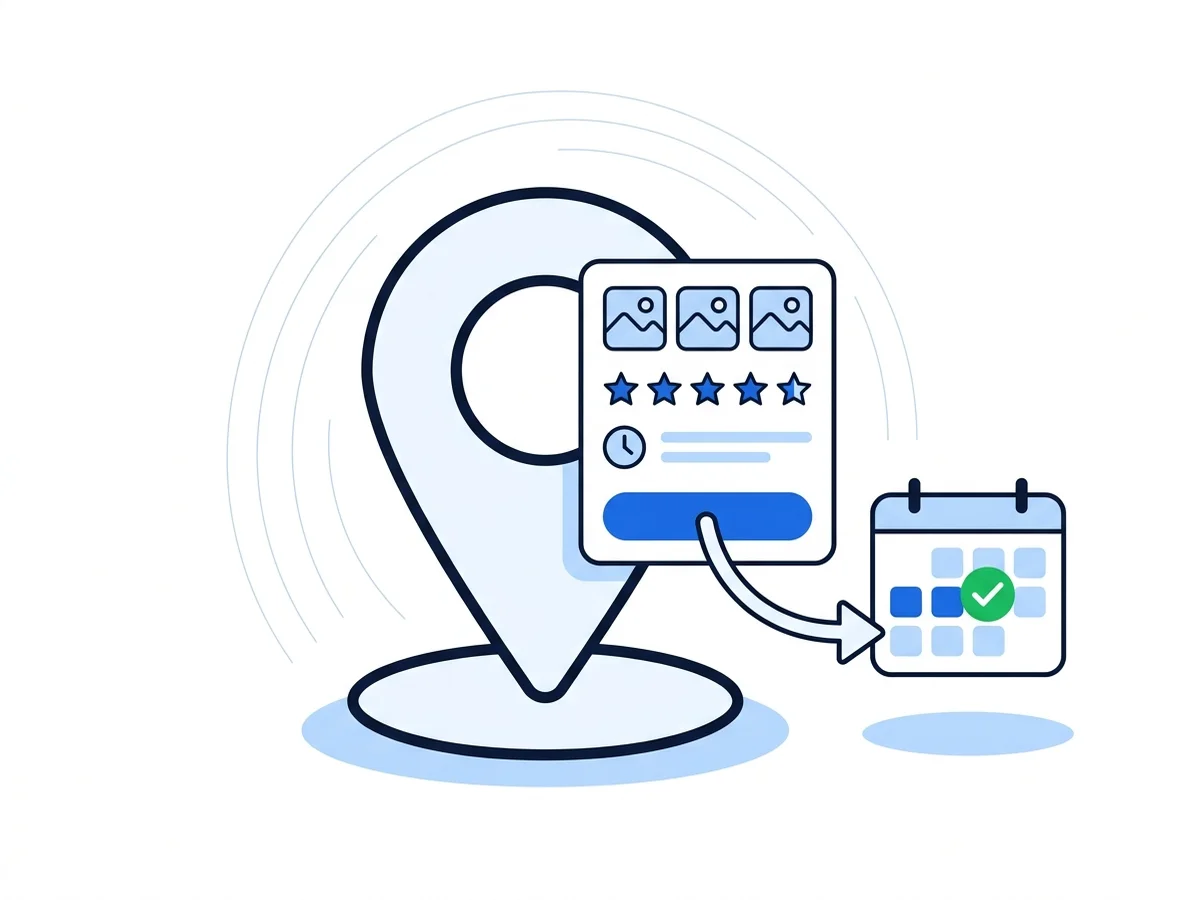
Your Google Business Profile is 100% free and is, by far, the highest-returning digital asset for an appointment-based business. These are the key elements that make a real difference:
- Choose the right primary category: Google uses this to determine which searches you appear in. "Hair salon", "Beauty salon", "Barber shop", "Nail salon" or "Tattoo shop" are the primary filters people find you through. Add relevant secondary categories, but make sure the main one is spot on.
- Upload genuine, recent photos: Your salon space, the team at work, and especially real results of your craftsmanship. High-quality photos turn casual searches into confirmed bookings.
- Detail your services and prices: Google allows you to list each service with a description and price. It takes an afternoon to set up and saves you hundreds of "how much is this?" queries throughout the year.
- Keep opening hours accurate, including holidays: Outdated hours lead to missed calls or disappointed clients finding a closed door.
- The decisive setting: your booking button. You can set your own booking link on your profile. If it points to your own direct booking page, everyone finding you on Google lands straight in your calendar and that client is 100% yours, with no middleman commission. If it points to a marketplace, you are using your free Google profile to feed a third-party platform and paying fees for clients who already found you.
- Post updates: Google posts let you announce seasonal promotions, schedule changes or new services. An active profile builds instant trust.
How to get Google reviews
Getting Google reviews is straightforward: ask real clients naturally right after a great service.
What works best is removing friction. From your Google Business Profile, you can generate a direct short link and send it via WhatsApp or text with a brief, sincere thank-you message. The fewer clicks required, the more reviews you will collect.
What you should never do, as it violates Google's policies and risks penalties: do not offer discounts, gifts or prize draws in exchange for reviews, and do not demand five stars. A simple "if you enjoyed your visit, would you mind leaving us a quick review on Google?" works brilliantly and complies 100% with guidelines. Always reply politely to all reviews, including constructive feedback: professional responses provide reassurance to prospective clients.
How to transition step by step (without risk)
Moving away from marketplace dependency does not mean cancelling everything abruptly. The goal is to regain peace of mind and control, which is easily achieved in three clear phases:
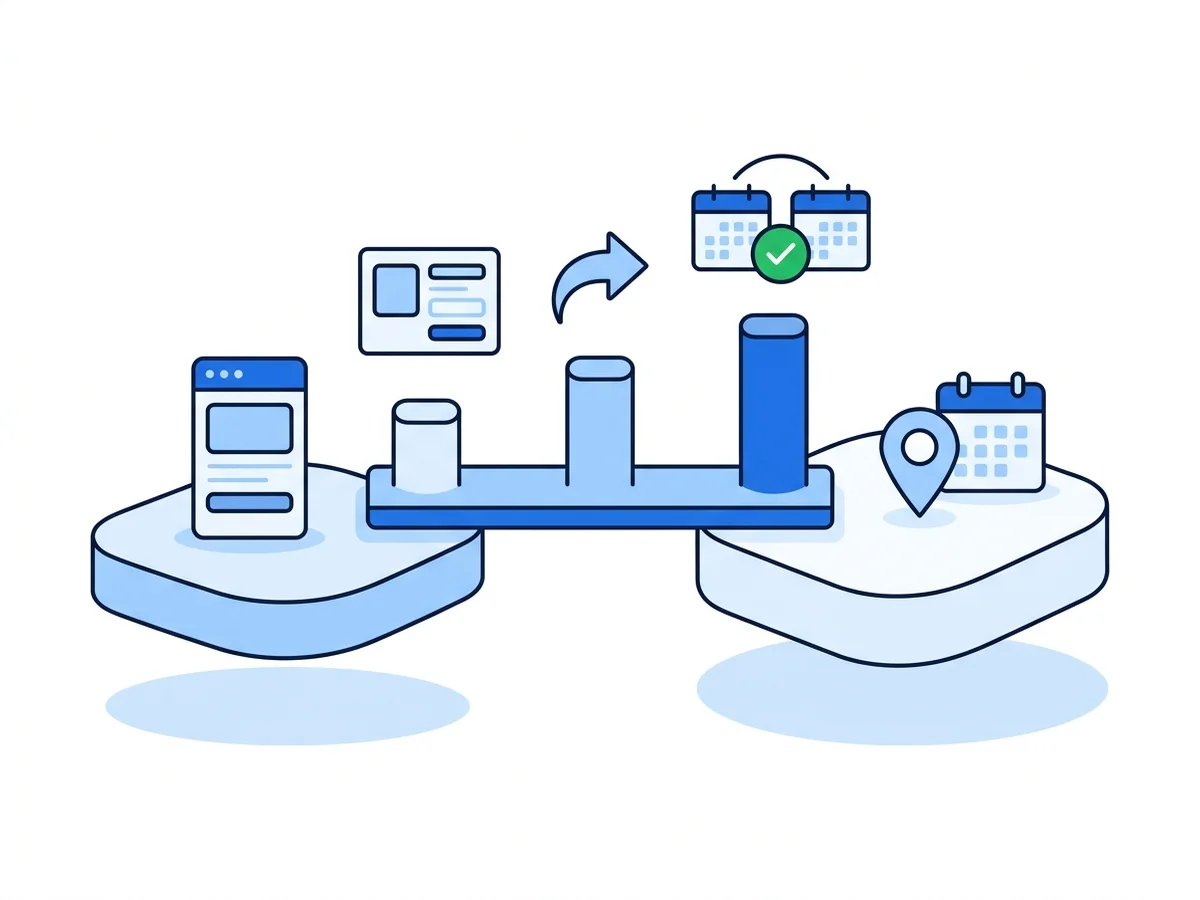
Phase 1: Build in parallel without touching your current setup. Keep your current account active. Set up your own booking page with your hours, services and team. Export your client contact list from your existing platform (you have every right to access your customer contacts) and start asking happy clients for Google reviews from day one. This is the asset that holds the most value and stays with you permanently.
Phase 2: Update your main entry points. Place your new booking link on your Google profile's booking button, Instagram bio, WhatsApp status and website if you have one. Send a friendly message to your regular clients letting them know they can now book directly through your new link in two quick taps. Most clients book with you because of the quality of your team's work, not because of the app they used before. Leave the marketplace running quietly in the background if you wish; simply stop directing traffic to it.
Phase 3: Review the numbers and decide freely. After a few weeks, you will see that the vast majority of your appointments come through your direct channels. With real data in hand, you have two clear paths:
- Cancel: If the marketplace is barely bringing new clients and your regulars book directly, cancel your account and eliminate subscription and commission fees.
- Coexist: Keep it as a secondary acquisition source knowing exactly what each booking through it costs, while the bulk of your calendar fills via your own channels without commissions.
If you choose to coexist for a time, syncing calendars prevents double bookings. The decisive difference is that the choice is yours again, free from pressure or lock-in.
Where CitaFlow fits and what we stand for
We wrote this guide because CitaFlow was created specifically to provide a transparent, fair and human alternative for appointment-based service businesses.
Our approach is built around three core commitments:
- Your clients and reviews belong to you: CitaFlow booking pages showcase your reviews by connecting live to your Google Business Profile. We do not create closed marketplace directories that promote competitors next to your business, and your client data and appointment history are always 100% exportable whenever you want.
- Clear plans with zero booking commissions: You pay a flat, predictable monthly fee for the software. Whether you serve 40 or 600 clients a month, there are no booking fees or new-client commissions, because your clients are the result of your own hard work.
- Personal, close and human support: We are not a distant corporate entity where you get lost in automated ticket queues. As an agile and dedicated team, you can speak directly with us via WhatsApp or phone. We personally help you configure your calendar, set up your services and schedules, connect your Google listing and resolve any everyday questions within minutes.
Beyond online scheduling and automated WhatsApp, SMS and email reminders to reduce no-shows, CitaFlow optionally includes advanced tools such as an AI phone and chat receptionist capable of answering calls and booking appointments outside business hours.
If you would like to see how it works for your business with zero obligation, you can see our plans and pricing or explore how we tailor it for barbershops and hair salons. If you are comparing tools from scratch, our guide on choosing booking software offers useful pointers.
Your calendar, your clients and your reviews, always yours. Clear plans, no booking commissions.
What is the difference between a booking marketplace and software like CitaFlow?
A marketplace acts as an intermediary: it provides a shared directory where you compete against neighbouring businesses and typically charges commissions per booking or new client. CitaFlow is dedicated software for your own brand: it provides your private calendar, custom booking page and automated reminders for a flat monthly fee, with zero booking commissions and no competitor promotions on your page.
Can I start using CitaFlow without cancelling my current platform?
Yes, in fact we recommend it. You can set up your new booking page in CitaFlow, start sharing it with clients and verify everything runs smoothly in parallel. Once your regular appointments flow through your direct link, you can freely decide whether to cancel your previous platform or keep it alongside.
How does the CitaFlow team help with setup?
We provide hands-on, personal onboarding so you never have to struggle with technical setup. We assist you with configuring your working hours, services, staff permissions and automated reminders, with direct support via WhatsApp and phone whenever you need a hand.
What happens to my existing reviews on other platforms?
Reviews collected inside a closed marketplace belong to that platform and cannot be transferred to Google or other systems due to their proprietary policies. The best solution is to start collecting reviews directly on your Google Business Profile as soon as possible, creating a permanent asset that integrates with your booking system.
How does CitaFlow help reduce no-shows?
The system sends automatic, customizable reminders via WhatsApp, SMS or email ahead of each appointment, allowing clients to confirm or reschedule in advance. This significantly cuts down missed appointments and saves your team valuable time.