
Cancellations and empty slots: how to fill them and bring customers back without paying commissions
How to fill the gaps cancellations leave, notify people who found a full day and bring your customers back with your own calendar, without commissions.
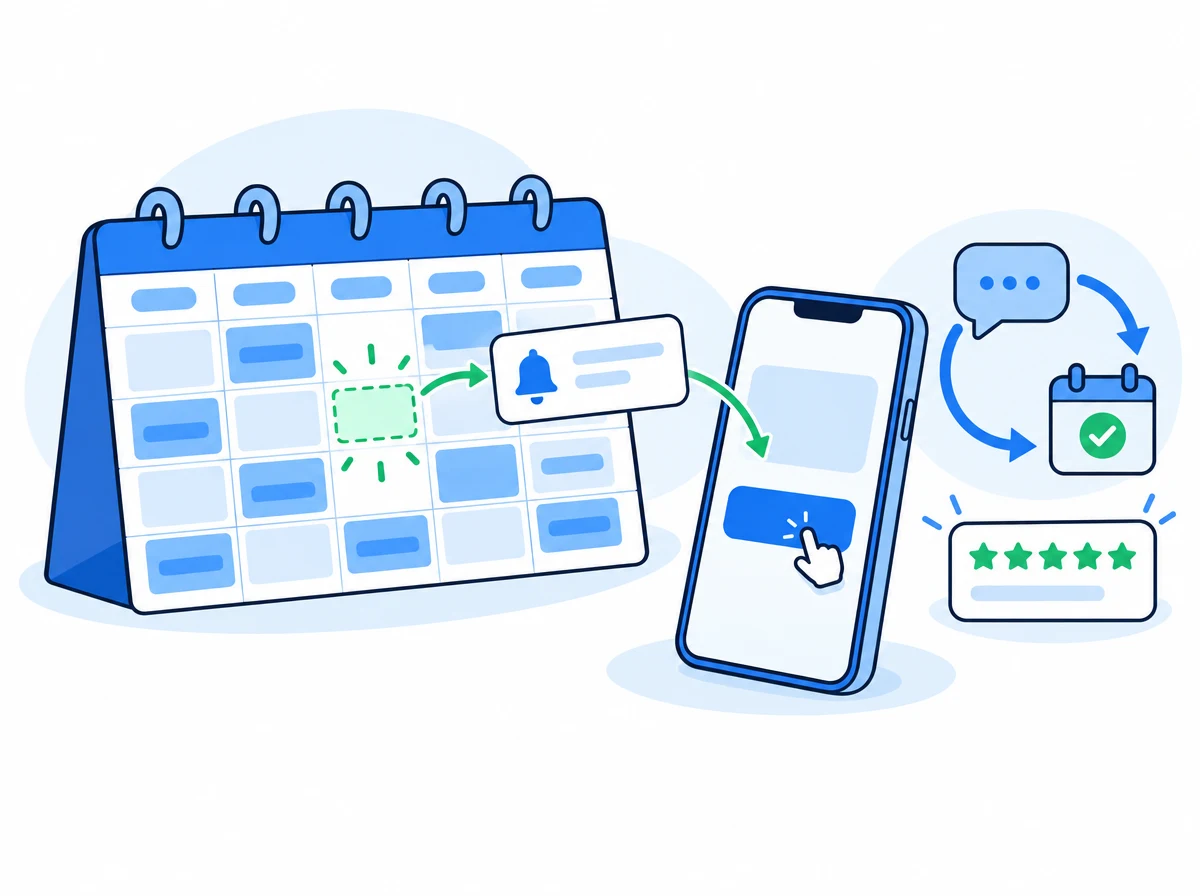
A last-minute cancellation is an hour of work you won’t get paid for. A full day is a customer who goes to find a slot somewhere else. And a customer who stopped coming is a visit that is no longer in your calendar, even though nobody decided that.
Booking marketplaces solve this with their storefront: they bring you new people in exchange for a commission, or for the customer being a little more theirs than yours. But most of the hours you lose don’t need new customers. They need the customers you already have to find out in time. In this guide you’ll see five ways to win those hours back with your own calendar, without paying per customer.
Why the slot from a cancellation is almost always lost
When someone cancels, the slot exists, but nobody knows about it:
- You find out late. The cancellation arrives while you’re with a customer, and by the time you check your phone half the morning has gone.
- You don’t know who to call. Whoever asked you for that day by phone or by message isn’t written down anywhere, or is in a notebook.
- Calling one by one isn’t worth it. Nobody makes ten calls to fill one hour.
So the hour stays empty even though someone was willing to take it. The answer isn’t to work more, but for the notice to go out on its own and for the customer to book without going through you.
1. Let your website take the names of people who found a full day
When a customer opens your booking page and the day they want has no free times, they usually close the page. With CitaFlow you can offer them another way out: the “Notify me if a slot opens up this day” button. They leave their name and a phone number or an email, and that’s it.
If someone later cancels an appointment for that service on that same day, and that time can still be booked:
- We notify the first three people who asked, through the customer notification channels you have turned on: WhatsApp or SMS if your plan includes them and, if not, email.
- The notice has a link that opens your booking page on that day and at that time. The appointment is made like any other website booking, with your rules and your payment settings.
- It goes to whoever books first. Anyone who arrives late sees the other times that day.
Each person gets a single notice, so nobody feels chased. And you don’t do anything: in the Calendar you see which days have people waiting and, when you cancel an appointment, we tell you how many people are waiting for a slot that day.
You turn it on with a switch in Settings → Booking rules, and it needs your booking website to be published. We explain it step by step in Can my customers ask to be notified if a slot opens up?.
2. A waiting list for what you can’t take on right now
There’s another case: a service you can’t cover right now (you’re short of staff, a machine is out of action or that part of your calendar is closed). If you remove it from your website, the people looking for it leave no trace.
With a service’s waiting list, that service still shows on your website, the chatbot and the voice assistant, but it can’t be booked: whoever asks for it is offered to sign up. You see the list next to the service and call when you have room again. If you also turn on the same setting as above, when an appointment for that service is cancelled the slot is offered by email to the first requests, and whoever confirms first gets it. More detail in a waiting list for a service.
3. Suggest the next visit when each customer is due
The cheapest way to fill next week’s calendar is for the people who already came to come back. The problem is timing: a generic “would you like to book again?” after three weeks arrives too late for someone who comes every fortnight and too early for someone who comes every two months.
CitaFlow’s “Suggest the next visit” recipe works at each customer’s own pace: it looks at the time between their last visits and writes to them shortly before they usually come back. With fewer than three visits there’s no pace to measure yet, so the message goes out after three weeks. And if they have already come back or have another appointment booked, nothing is sent.
The customer gets a simple WhatsApp message inviting them to book. If they reply, the conversation continues on your WhatsApp, and if you have the AI chatbot it finds them a slot in your real calendar.
4. Win back people who stopped coming and ask for reviews
Alongside that one there are two other ready-made recipes:
- “Win back customers”: writes to people who haven’t visited for 60 days and repeats every 90 if they still haven’t come back.
- “Ask for a review”: a few hours after the visit, with the same public link for everyone and only once per customer. Reviews don’t fill slots today, but they’re what makes someone who searches for you tomorrow pick you.
All three turn on in one tap: in Chatbot → Marketing → Automations, you press “Activate in one tap”, see an example of how a customer will receive it and how many customers it can reach, and confirm. There are a few conditions worth knowing first:
- You need the CitaFlow chatbot and your WhatsApp connected.
- It’s only sent to customers who agreed to receive marketing communications. CitaFlow helps you ask for that consent when they book and with a QR code at your premises.
- These are marketing messages, so Meta has to approve the wording before anything goes out (it usually takes between a few minutes and a day) and charges a fee for each marketing message, directly to the card on your business’s Meta account. That fee goes entirely to Meta: CitaFlow doesn’t charge it or keep any of it.
If you’d rather adjust the wording or the timing, each recipe can be opened in the editor before you activate it. All the details in how to turn on the recipes in one tap.
5. Make missing an appointment no longer free
The slots that hurt most aren’t cancellations but no-shows: the appointment was there, the hour was booked and nobody turned up. No notice helps there, because you find out when it’s already too late.
That’s what payment in advance is for. With the “Charge new clients only” setting, you ask for the deposit only from people booking for the first time, and your regular customers book without paying. From now on, also, anyone who missed their last appointment pays in advance again, even if they had come before. They stop paying as soon as they come again. That way you don’t penalise loyal customers and a no-show stops being free. How to turn it on: a deposit for new customers only.
Your own calendar or a marketplace: who keeps the customer
Everything above has something in common: it works with your customers, on your website and from your WhatsApp. That’s the difference from relying on a marketplace to fill slots.
| Booking marketplace | Your own calendar with CitaFlow | |
|---|---|---|
| Where customers come from | The platform’s storefront, where your competitors also appear | Your website, your WhatsApp, your social media and your customer base |
| Commission per customer | Depending on the platform, per new customer or per campaign | None: you pay your licence and the modules you use |
| Who writes to the customer | The platform, with its brand and its rules | You, with your name and your number |
| What happens if you leave | Your profile and your reviews stay there | Your customers and your history are yours |
A marketplace can make sense to get known. But filling this week’s slots with the customers you already have shouldn’t cost you a commission. If you’re comparing, we go into it calmly in Booksy vs CitaFlow.
How to set it up in CitaFlow
- Publish your booking website if you haven’t yet.
- In Settings → Booking rules, turn on “Notify customers if a slot opens up”.
- Connect your WhatsApp and, in Chatbot → Marketing → Automations, turn on in one tap “Suggest the next visit”, “Win back customers” and “Ask for a review”.
- If you get no-shows, turn on payment in advance with “Charge new clients only”.
You can also ask Set up with AI in the panel for the booking and payment settings, in a conversation.
Frequently asked questions
What should I do when a customer cancels at the last minute?
Make the slot available again on your website and let the people who were waiting for it know. With “Notify me if a slot opens up” turned on, CitaFlow notifies the first three people who asked for that day and whoever books first gets it, without you having to call anyone.
How do I tell my customers I have a free slot?
If they asked to be notified on your website, the notice goes out on its own when an appointment for that service on that day is cancelled. For the rest of your customers, what works best isn’t announcing one-off slots but suggesting the next visit to each customer when they’re due, with the “Suggest the next visit” recipe.
Can I send marketing messages to my customers on WhatsApp?
Yes, to those who agreed to receive them. CitaFlow only sends the marketing recipes to customers with that consent, and Meta reviews and approves each message before it goes out.
How much do these messages cost?
Slot notices go out through the customer notification channels you already use for your appointments. The recipe messages are marketing: Meta charges a fee for each one, directly to the card on your business’s Meta account, and CitaFlow keeps nothing. CitaFlow’s prices are on the pricing page.
Do I need a marketplace to fill my calendar?
Not to fill this week’s slots. A marketplace can bring you new customers, but cancellations, full days and customers who stop coming are better solved with your own calendar and your own channels, without paying per customer.